
Creating and Uploading Bills
Overview
You can upload any type of purchase document into Coreloops including quotes, purchase orders, invoices and receipts. Coreloops will automatically process all the information in the document, including construction-specific fields such as retention, CIS deductions, etc. The document is then automatically categorised to a specific project and cost codes.
Uploading purchases into Coreloops directly
- Click on Documents in the navigation bar
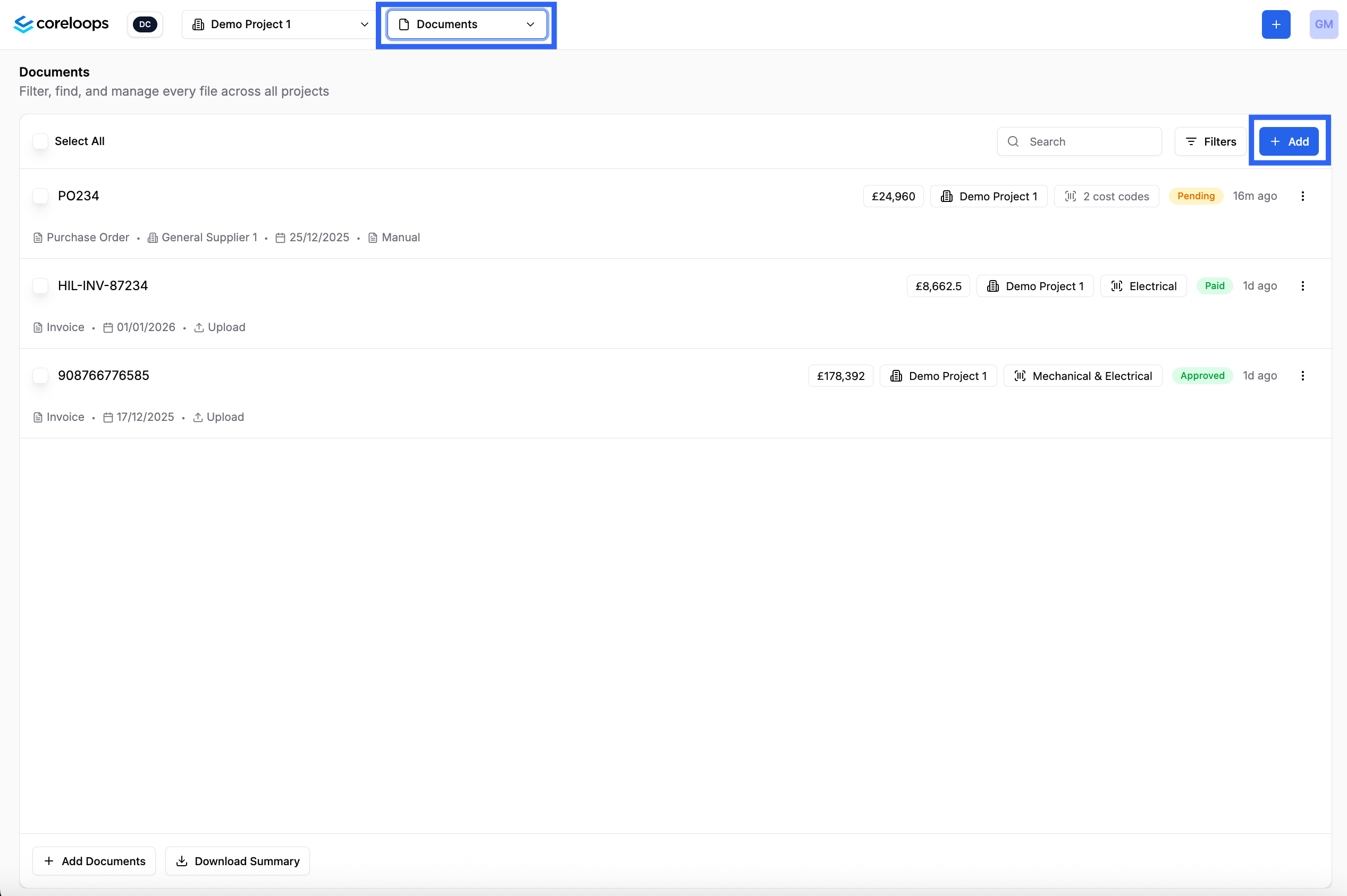
- Click on Add to upload documents
- You can drag & drop or upload a document from your files:
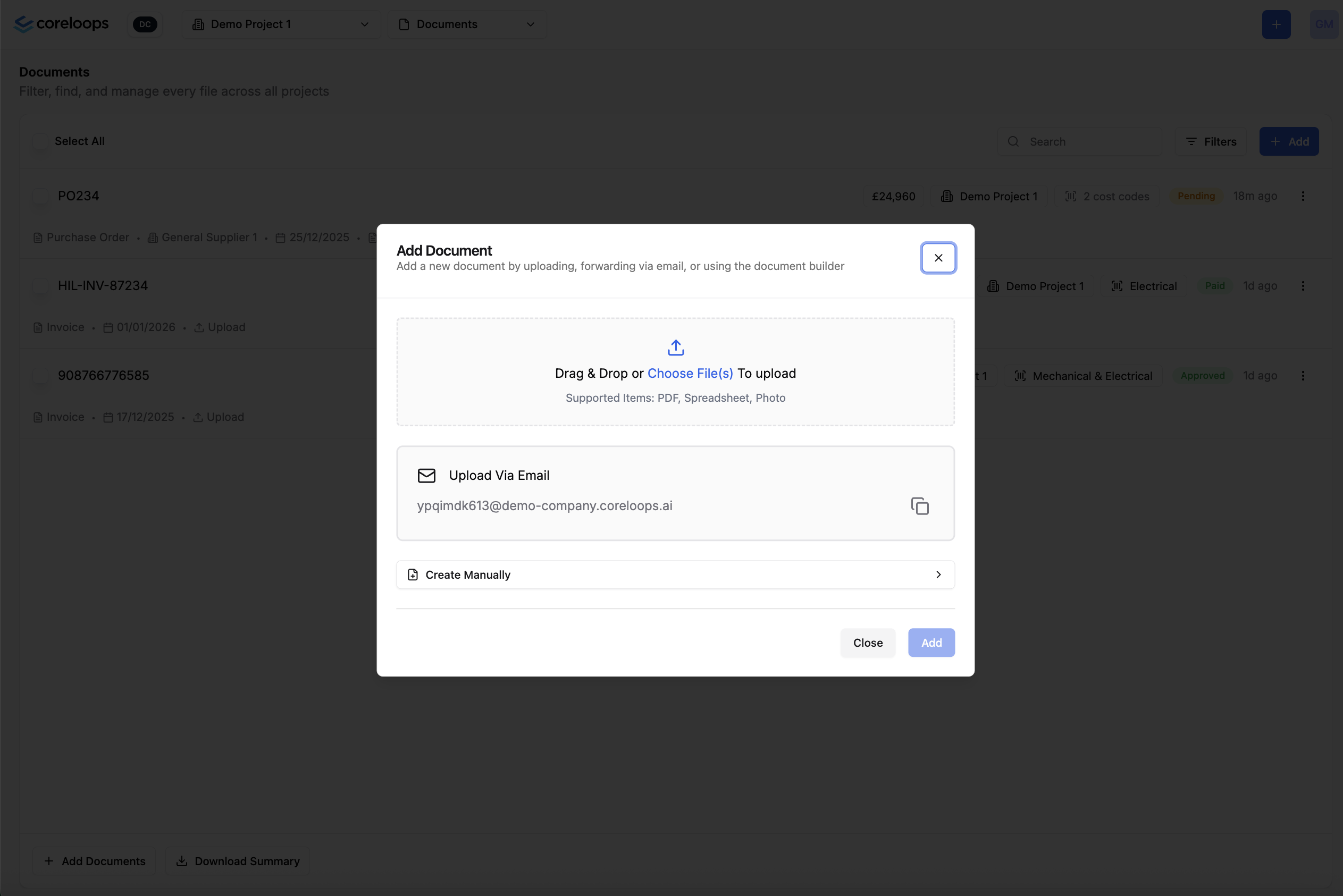
- Once uploaded you'll see the document status will show up as processing. The system takes between 1 - 5 minutes to process a document so go grab a coffee and come back in a few minutes.
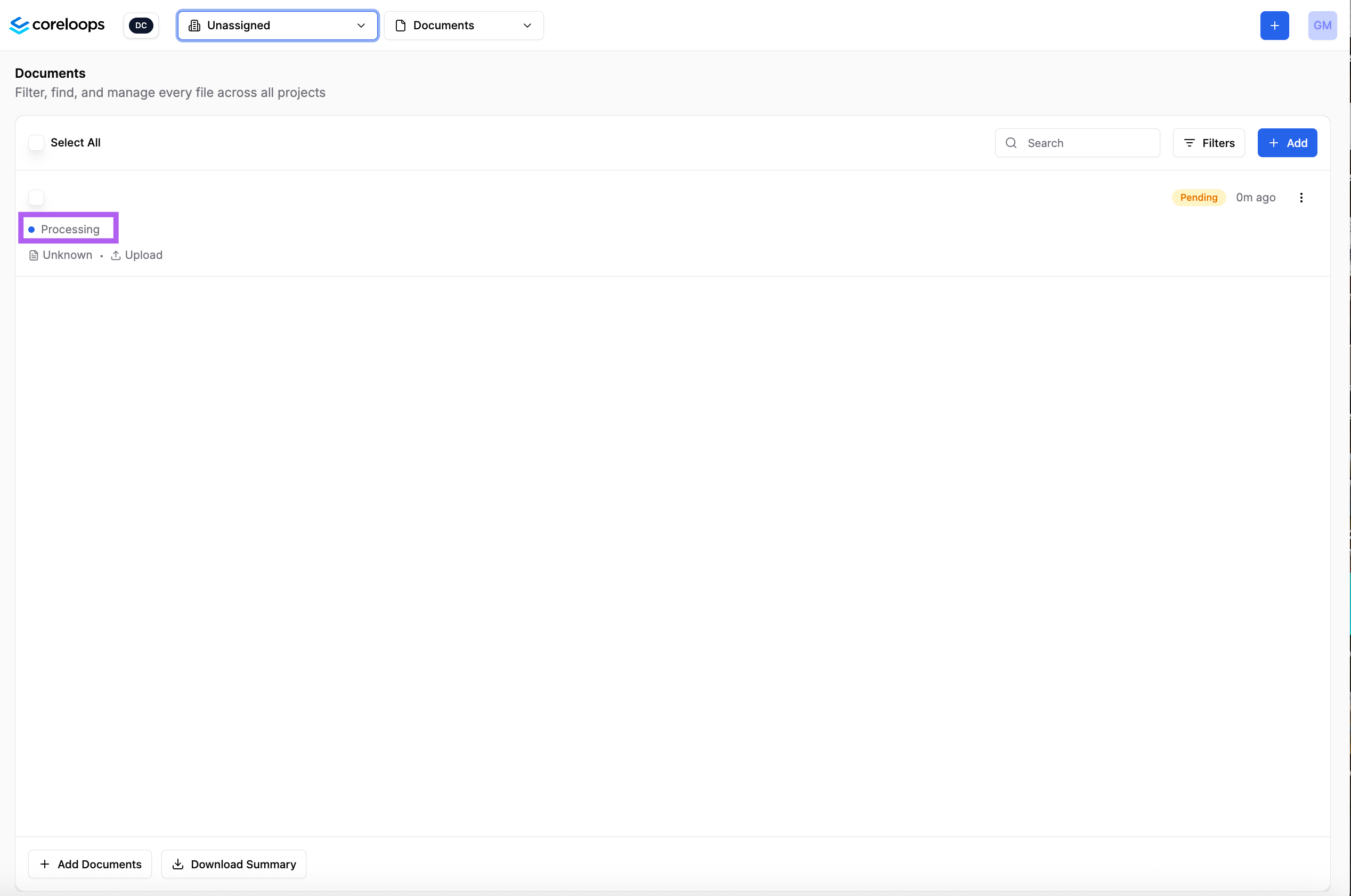
- Once it is processed the status will update to "To Review" and you'll see the supplier name, document type and the financial data like subtotal, tax amount and gross total. You can then click Review to see more details and approve this document.
Forward purchase documents by email
You may receive invoices from your suppliers via email. Instead of downloading them and then uploading it into Coreloops you can simply forward documents into Coreloops from your email provider.
Each company has a dedicated email address that you can access by clicking on upload via email in the right hand corner.
- Click on the Add button in the right hand corner of the documents table
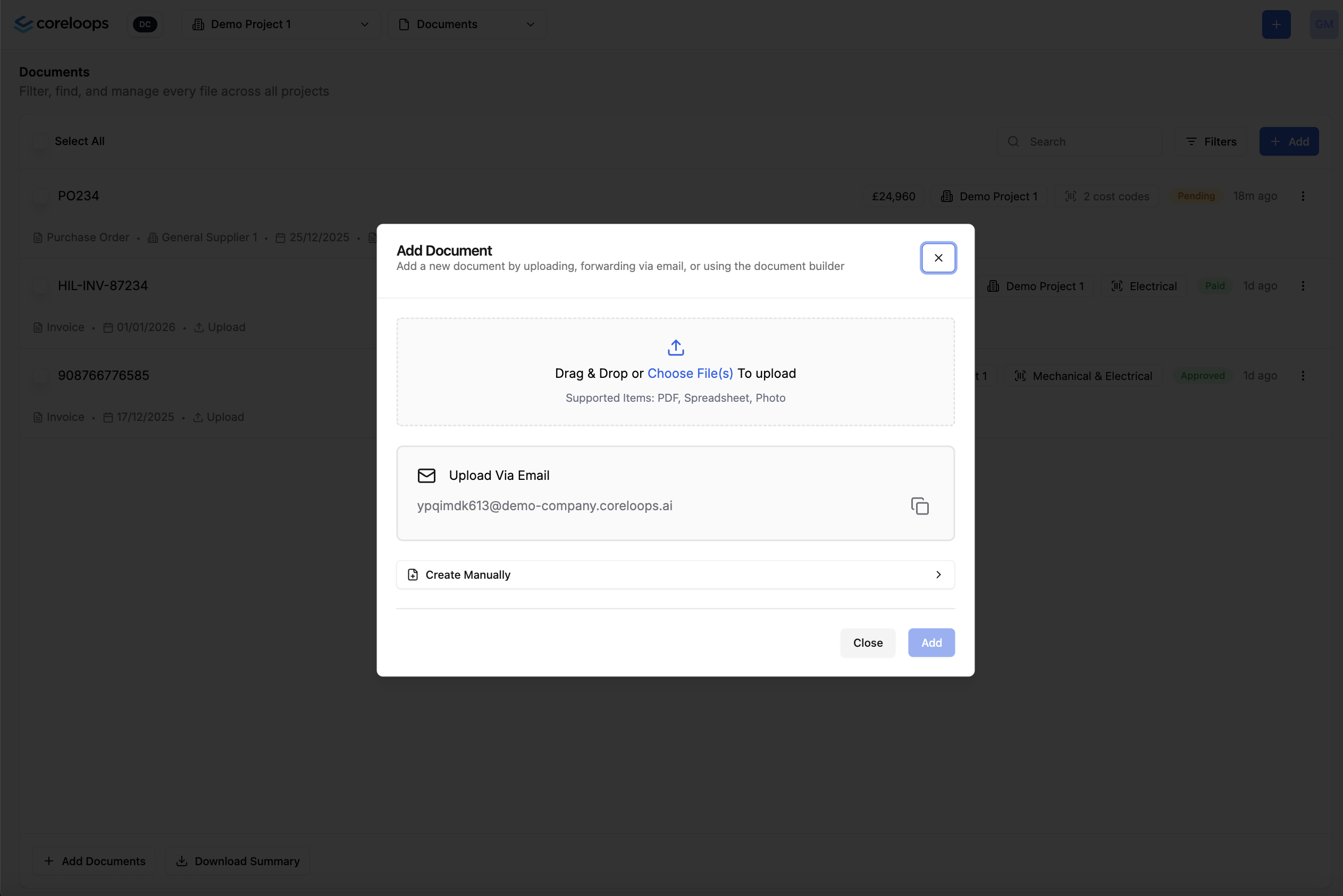
- Go to the Upload via email box and copy the email address. We advise saving this email address as a contact in your email provider to avoid copying it each time.
- Send or forward any purchase document (quote, purchase order, receipt or invoice) to Coreloops, and it will show up in the documents table a few seconds later with the status pending.
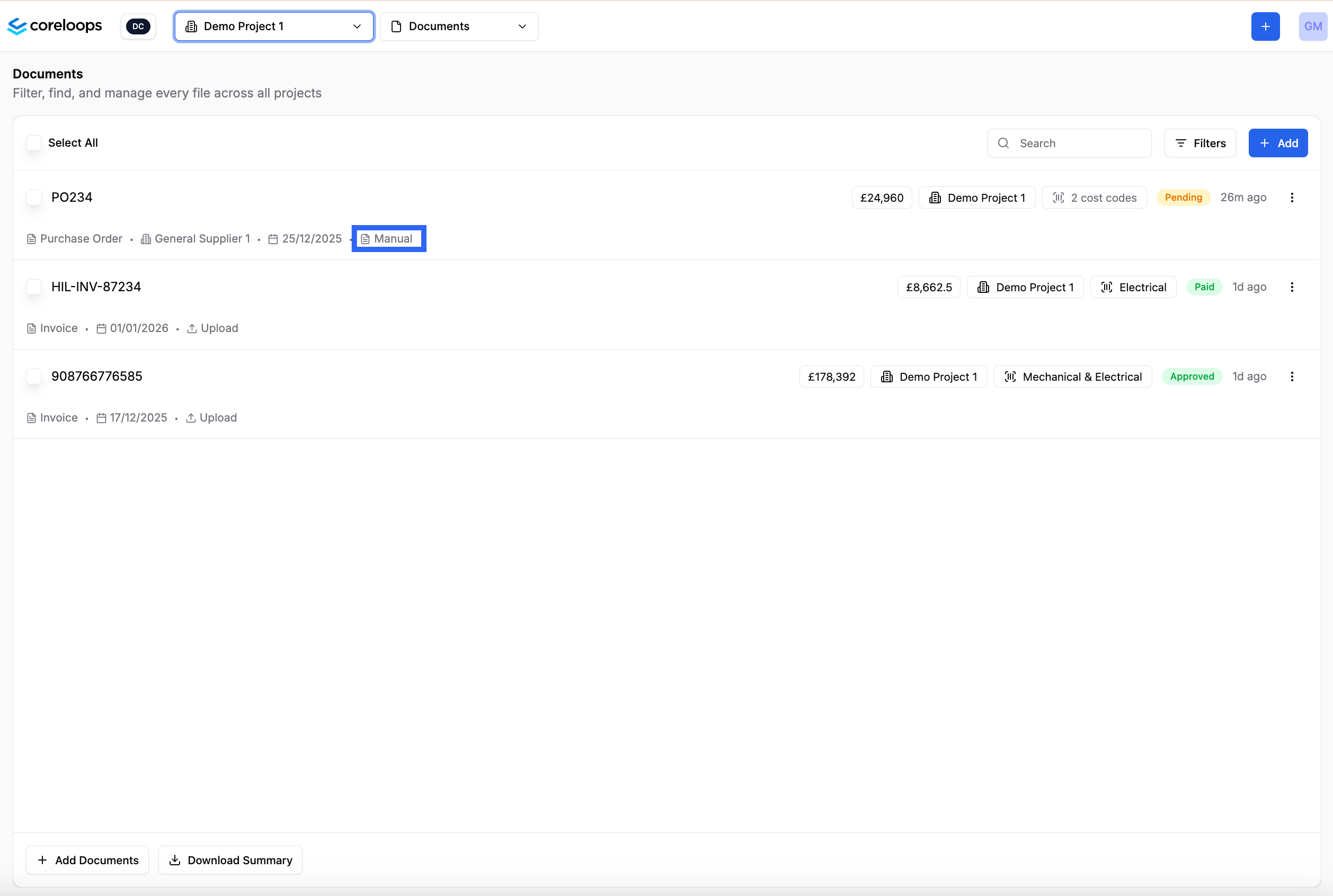
You can see the source of documents sent into Coreloops in the source column.
- Email: means was sent in via email.
- Manual: This means the document was created in the platform
- Upload; The document was uploaded into the platform